Features
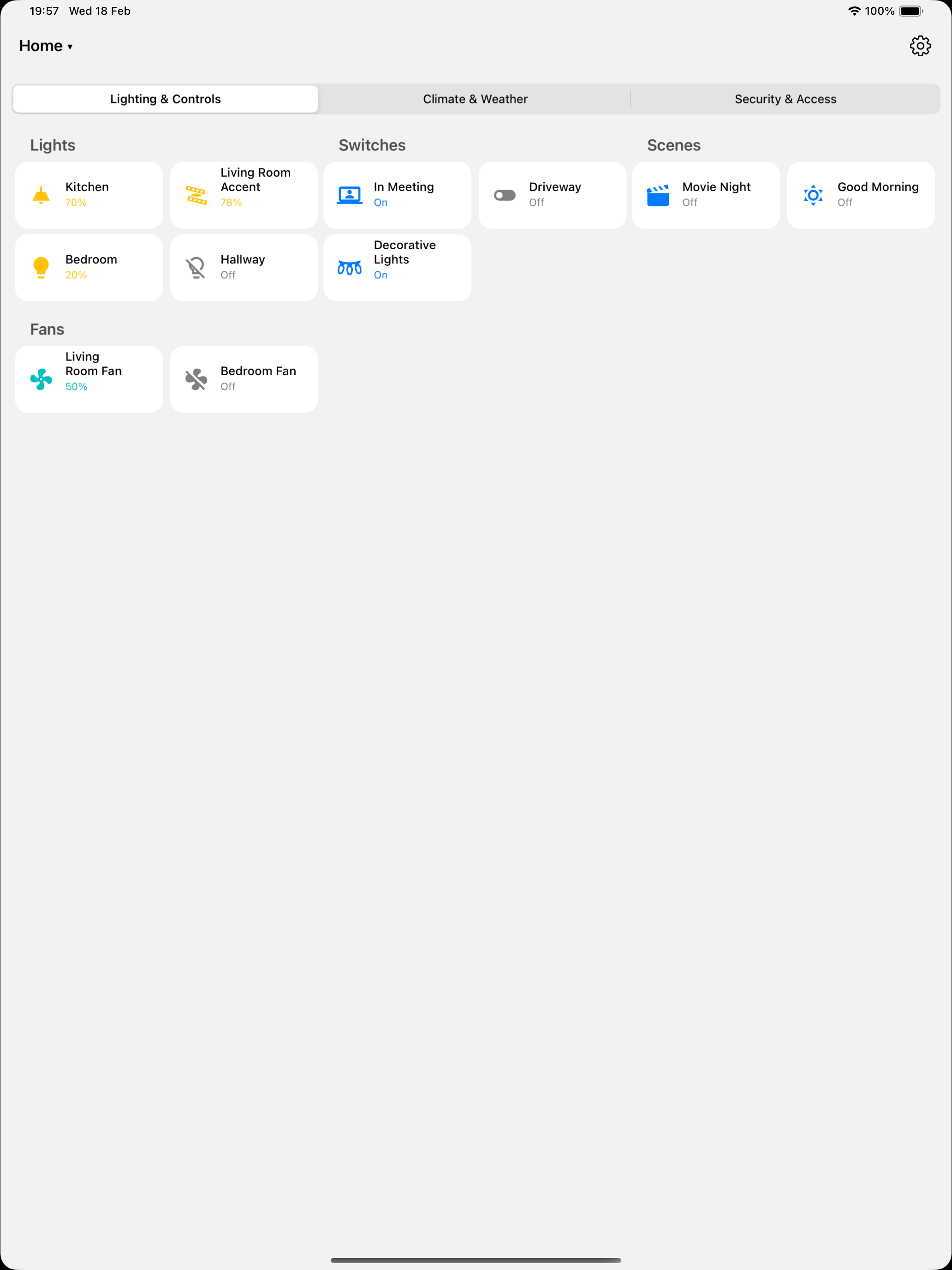
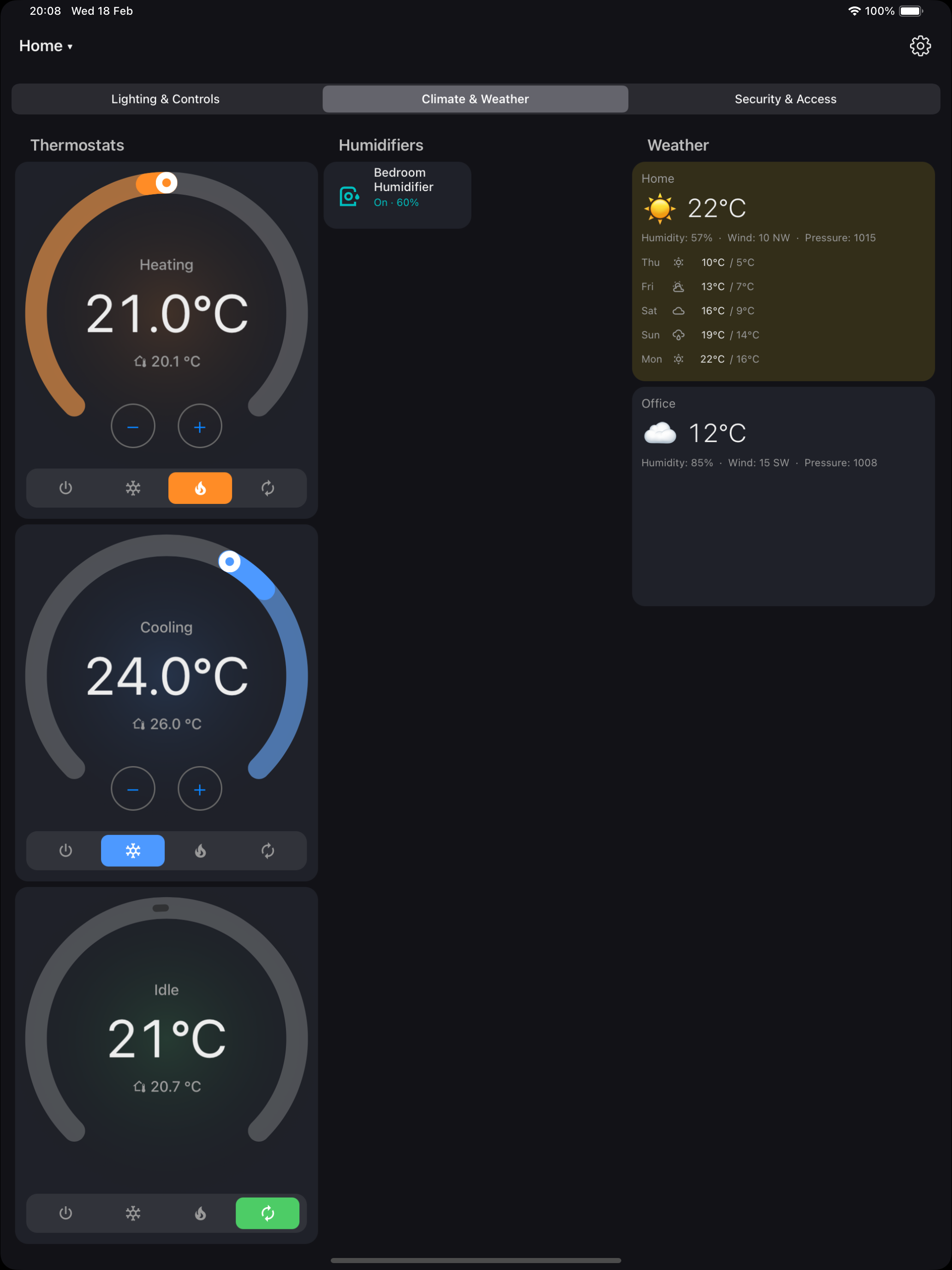
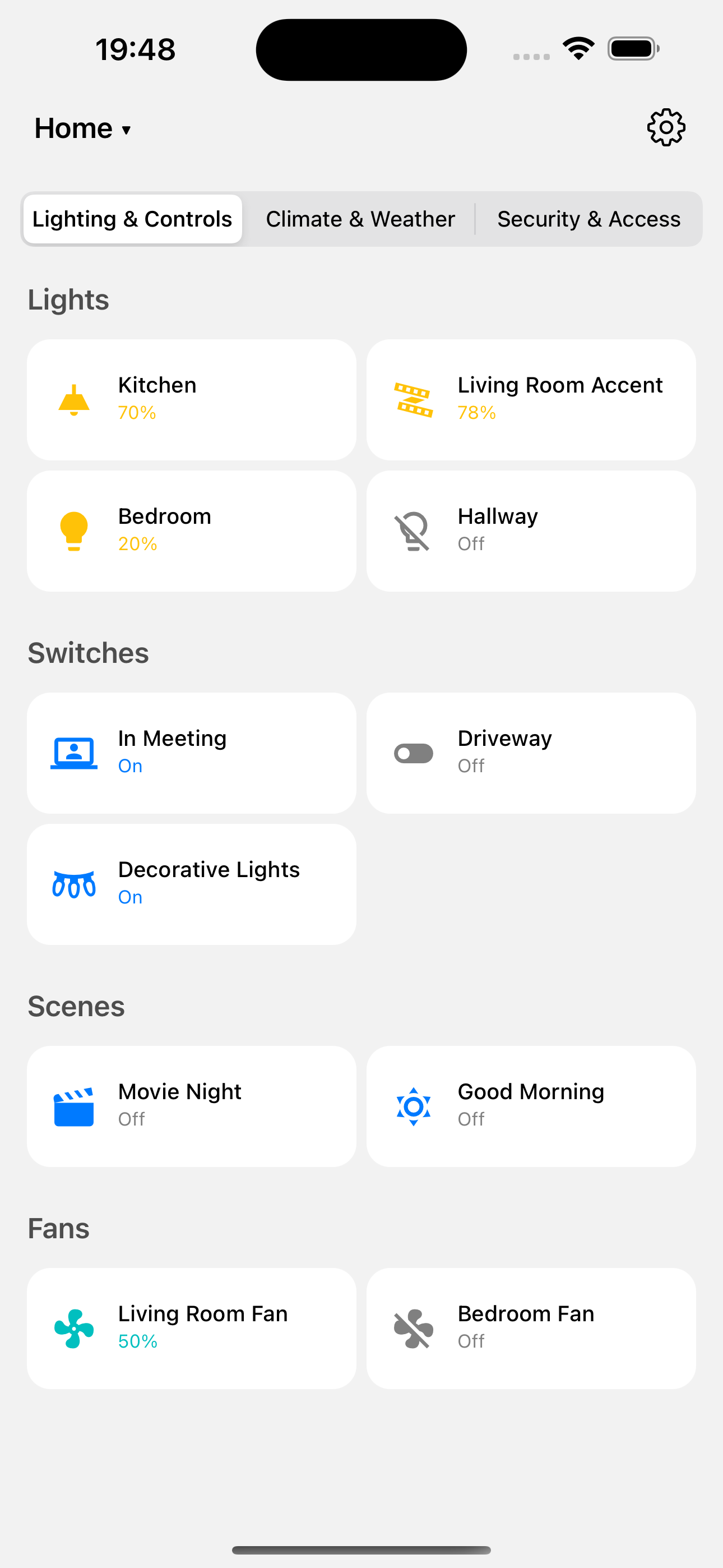
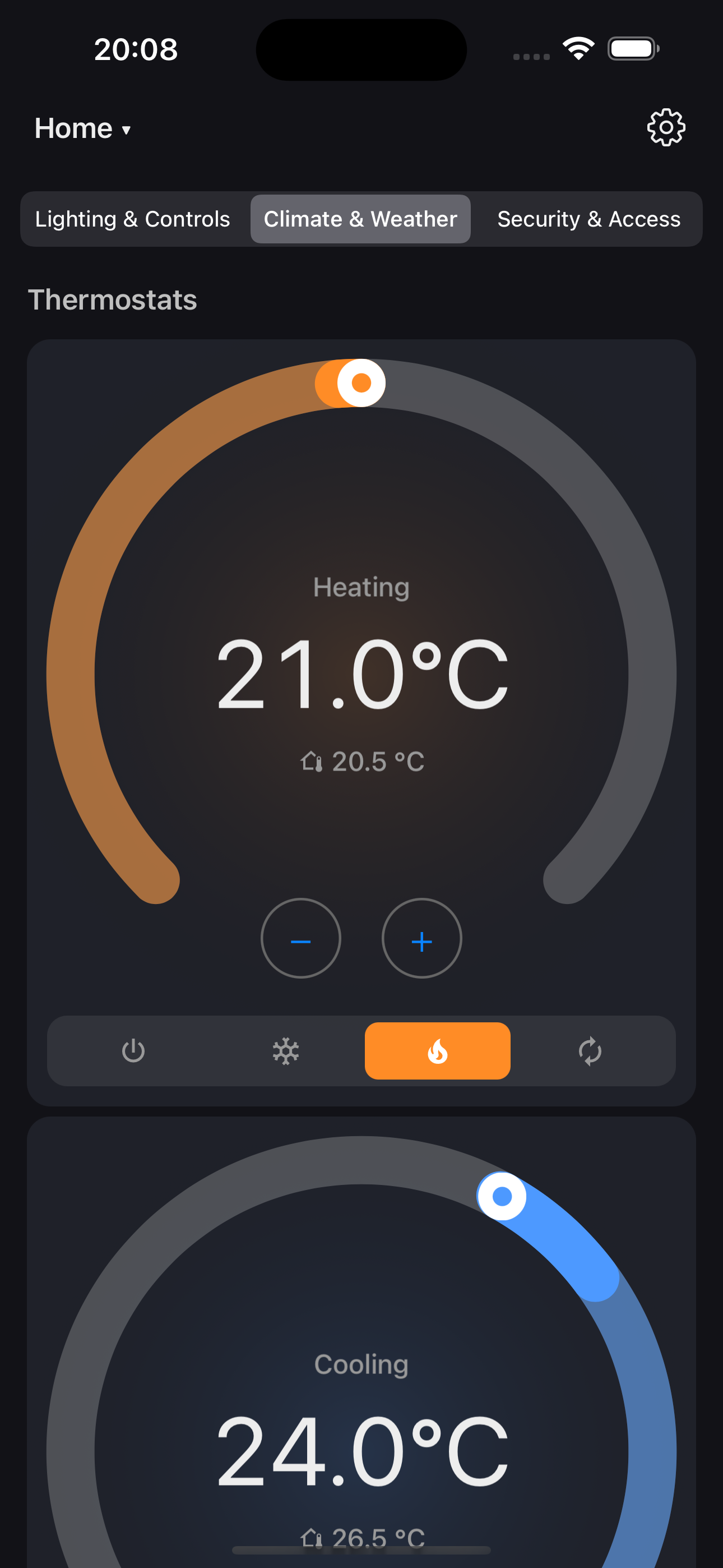
- Native rendering of HA Lovelace dashboards — sections, masonry, panel, and sidebar layouts
- Real-time updates via WebSocket — entity states update live
- Broad card coverage — controls, inputs, composite cards, and entity detail views
- Themes — Auto, Dark, Light, and Gradient modes
- Kiosk mode — hides navigation, prevents sleep, triple-tap top of screen to temporarily show controls
- Demo mode — 3 built-in dashboards with simulated entities, no server needed
- Dashboard switcher — switch between multiple HA dashboards
- Local remote controls — wake or dim an open kiosk, set brightness, navigate, change appearance or kiosk state, reload, and show notification banners through Home Assistant's WebSocket channel
- mDNS discovery — finds Home Assistant servers on your local network
- Three connection modes — trusted-network access, long-lived token, or full OAuth login
- Local camera streams — foreground-only, per-device password-protected H.264/AAC on iOS 10.3.3+, with front/rear MultiCam on supported iOS 13+ hardware, concurrent consumers, device-capability quality control, and Home Assistant camera registration
Requirements
HA Dashboard connects directly to your Home Assistant server. You need:
- A running Home Assistant instance (local network or remote via HTTPS)
- At least one Lovelace dashboard configured
- An iPad or iPhone running iOS 15 or later for HA Dash 1.2.6 from the App Store. The universal developer build supports iOS 9.3.3+, and Local Camera Stream requires iOS 10.3.3+
No Home Assistant server? Use Demo Mode to explore the app with built-in sample dashboards.
Support
Need help, found a bug, or want to request a feature? Visit our support page for details on how to get help, or open an issue directly on our GitHub repository.
Privacy
HA Dashboard sends no personal data to the developer and contains no analytics, tracking, advertising, or telemetry. It communicates with the Home Assistant infrastructure you configure. Optional camera/microphone streams require a unique device password and go directly to authenticated RTSP clients on your trusted local network, never through a developer relay or cloud media service. RTSP media is not encrypted on the LAN.